User Guide
1. The To Do page:
Type in your task description into the text field and simply press enter. Your task will be saved locally into your computer system.
2. The Report page:
The report page shows a statistical pie chart summary of your tasks and display them in the form of a pie chart.
3. The History page:
The history page shows your task summary in the form of a table.
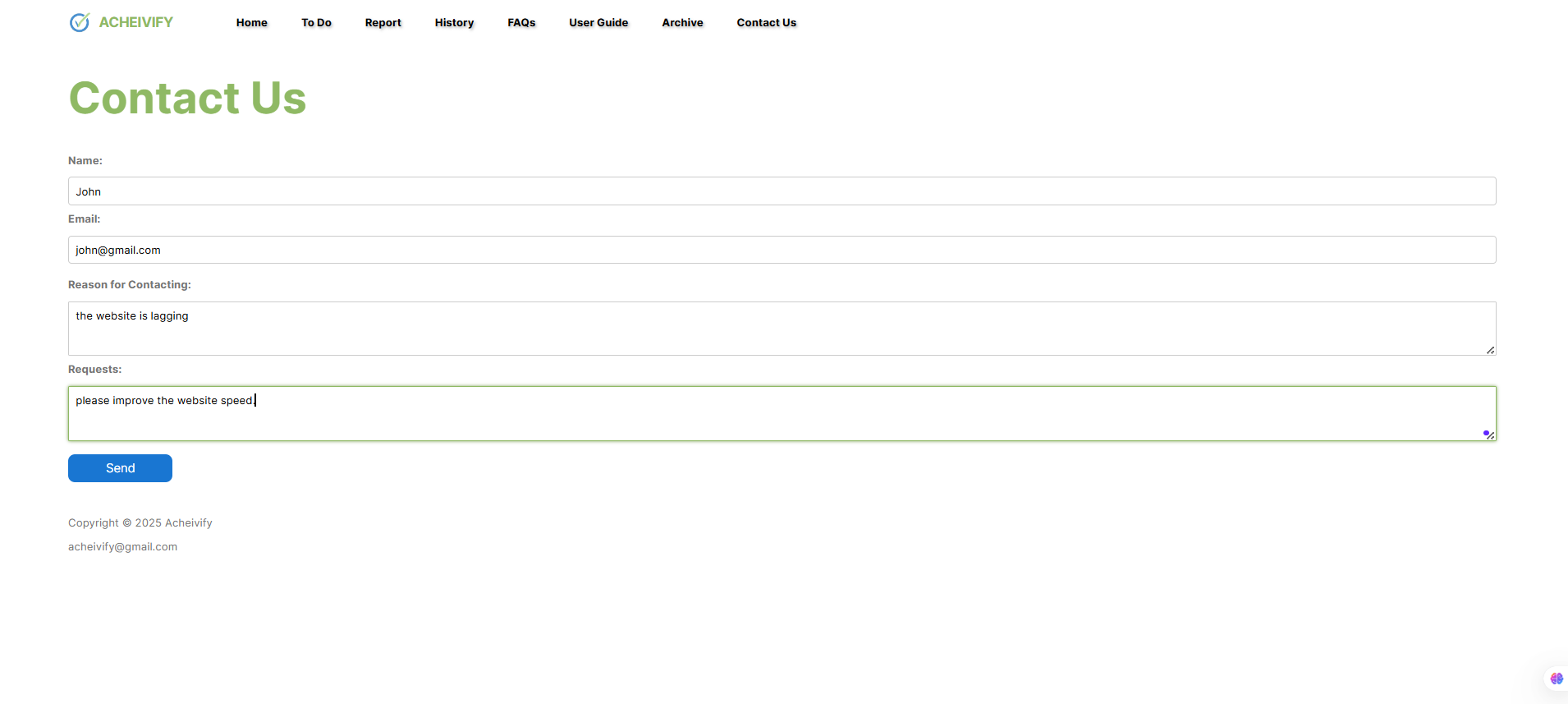
3. The Conact Us Page:
In the Contact Us page, first type your name in the first box called "Name", type your email into the second box called "Email". Afterwards please state your reasons and requests for contacting like in the example screenshot below: